This is my annual renewal time and I’d like to check on the health of the website.
The server cost gets more expensive each time, specially since last Goddady screw up with the domains, they needed to upgrade the server to a more expensive one… I’m not happy about that. This comes out of my pocket directly.
So, I’d like to see if people are checking the website periodically or not, and if people have plans to share more sounds or not… because, in the end, this is all about sounds… if you share more, more people will come to try those sounds, and with more traffic I might get closer to break even, which is far from a reality right now…
Please tell me at https://ksetlist.com/viewtopic.php?f=36&t=3189
This file is wildly used by SP4, SP5, SP6, Artis, Artis SE, Forte and Forte SE users. It’s the easiest way to get hundreds of PC3 programs into those units. Specially because the PC3LE was the first keyboard using the Virtual Parameters that all those other keyboards use as well. So, when loading these programs you don’t have any entry values problem. They just sound as intended originally without further tweaking.
We have just sent a Beta release for the next SP6 update with some bug fixes. If you have an SP6 and want to join our Beta program please send us an email to sp6_beta@ycrdi.com . It’s easy, we just send you the Beta update, you install it, play with it and you tell us if you have any problem.
Forte version 3 includes a sequencer and lots of grooves to start playing with.
In the follow video I explain how to use the Unloop recording mode so that you can extend a loop all you want while recording. At the same time, I play pieces of some of the 256 grooves included. Those grooves are very useful so I take few minutes to go around some of them.
Unloop is also in Forte SE, PC3 family and older Kurzweil keyboards. So, nothing new under the sun but, in case you have missed it, it may be useful for you as It is for me. As a songwriter many times I’m working on a song idea while playing along with a groove. I might want to record the idea with the groove. Well, that’s when you need Unloop.
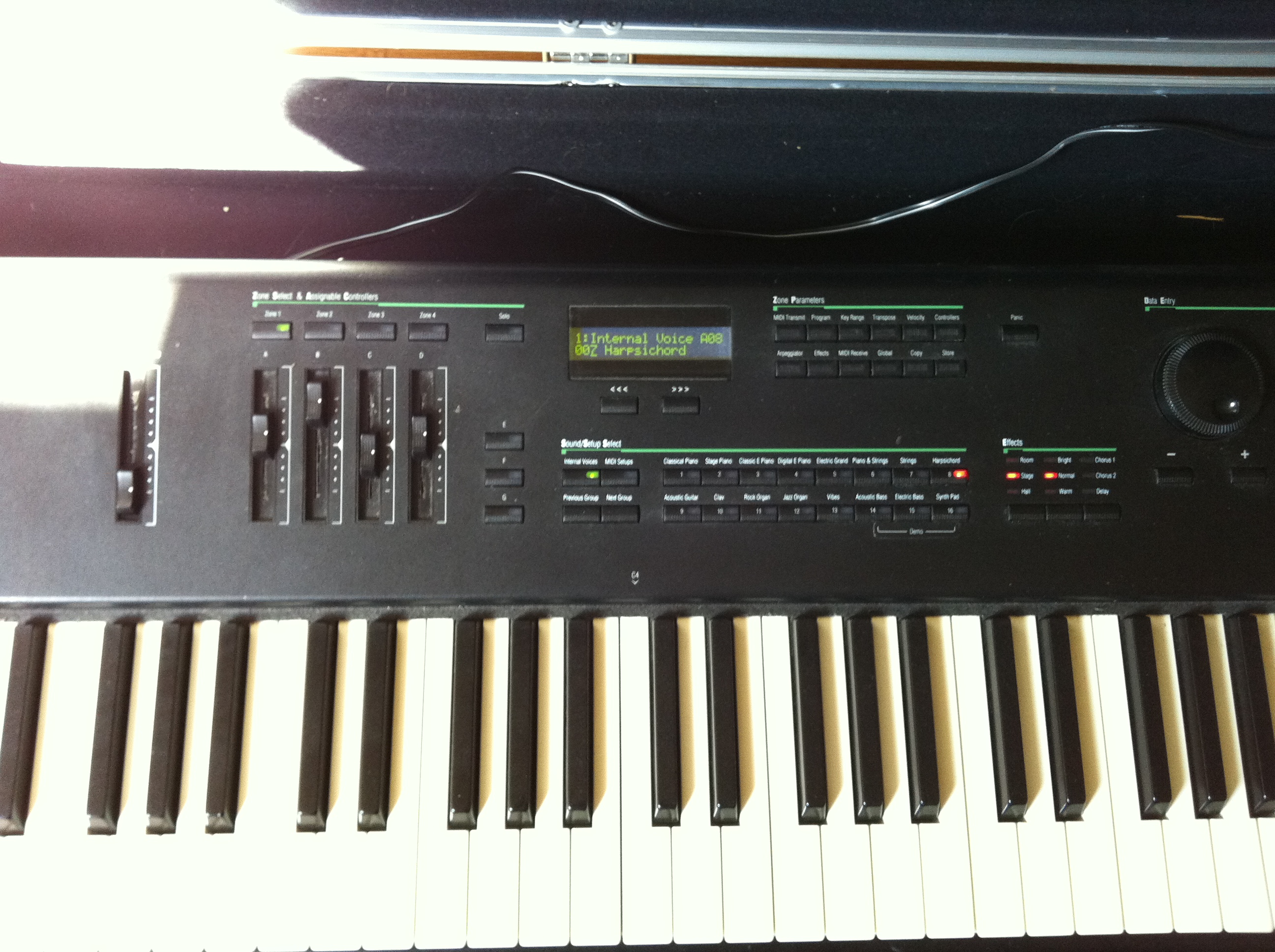
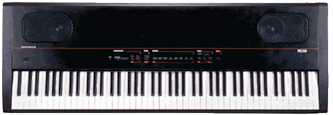
Once in a while I read something online like “I just bought a PC88 in this or that second hand website and it has a problem…”. In my mind I can’t stop thinking that for a keyboard made in 1994, only having that problem is kind of a miracle but, at the same time, I wonder if the person that has just bought that keyboard really knows the actual age of that keyboard. The keyboard market is not like the car market, where you buy a Toyota Prius 2010. In most cases, buyers don’t really know how old a second hand keyboard is unless they do some research and, let’s face it, some people just don’t do it.
Also, apart of problems, expectations might face a pretty brutal reality check. Imagine buying a computer that runs a Windows version previous to Windows 95 and expect to watch YouTube on it. Well, that’s more common that you think with keyboards.
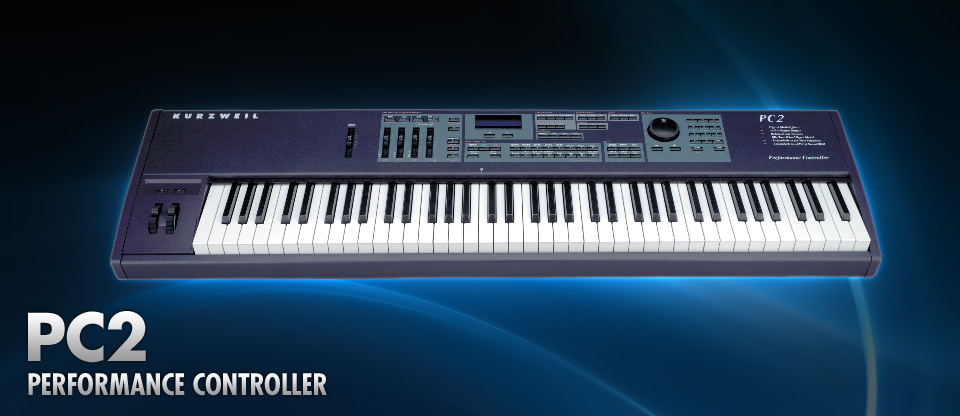
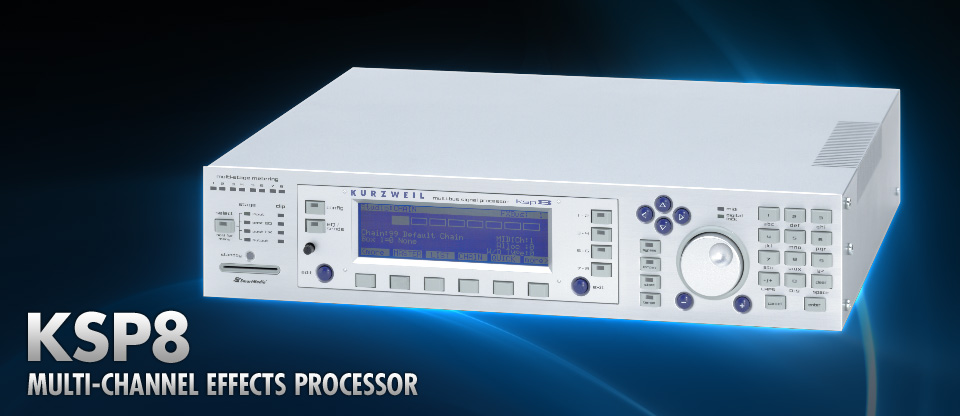
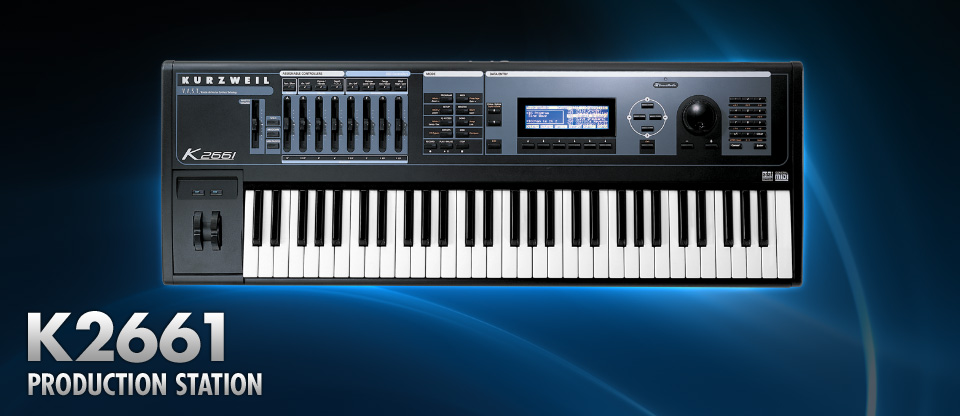
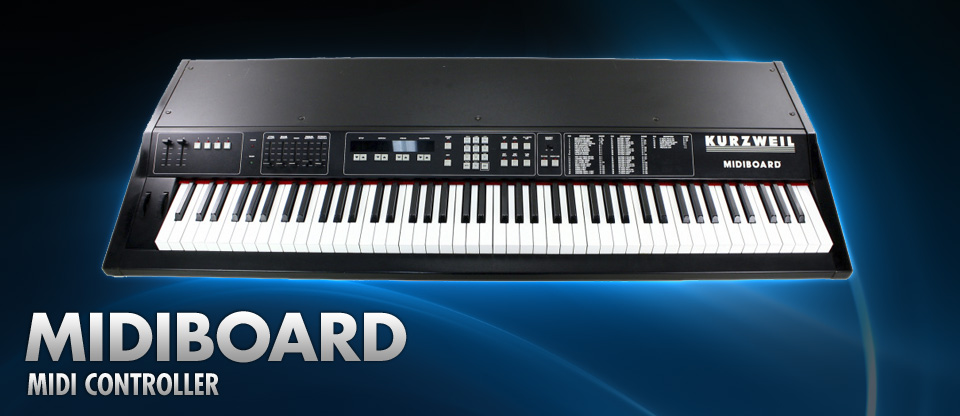
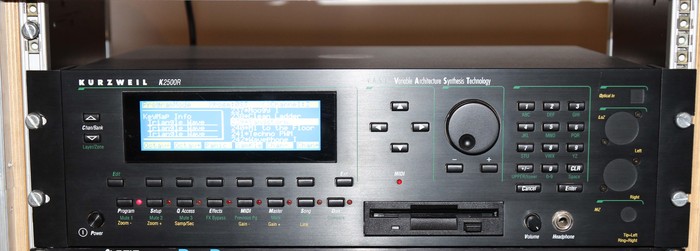
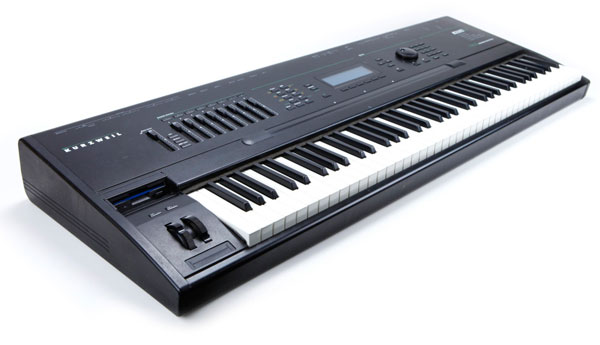
So, in order to put a little bit of perspective, I’m going to list a bunch of Kurzweil keyboards ordered by their release year. The list does’t include them all but enough to get a better sense of Kurzweil product history and, hopefully, it helps those people buying old keyboards in second hand markets.
But before the list, you should start watching this video that, even if it has already like 6 years, it tells a lot of the beginnings of the company.
So, let’s start with the Kurzweil product list, but, before, yet another clarification. I’m not going to mention upgrades, expansions or similar. It’s very typical that once Kurzweil releases a product, for the next years the company releases updates or variations of that model. Including all of those would make the list incredible long and boring.
A brief post to make sure that nobody misses this.
PoserP is one of the greatest Kurzweil Power Users. He has been doing Kurzweil tutorials and great Soundware for a long time and it’s one of the most active members of our Kurzweil underworld. One day I should write a whole post about him but today I just want everybody to follow his tutorials in YouTube. Like this one:
Make sure you subscribe to his YouTube channel here to get notified every time he posts something new.
If you want to make comments on the Ksetlist Journal posts you can either log in via a Word Press account that you can create for free, as explained few days ago, or now you can do it just using Twitter!
When you click on a Journal post, at the bottom you will see “Login with your Social ID”. Click there and you will be able to log in with your Twitter account. It will ask you for your email as well.
And, sorry, I tried doing the same with Facebook but it requires the website to be https not http as it currently is. Sadly there is no budget to make this website https.